How Safe seats work
Last updated: October 6, 2026
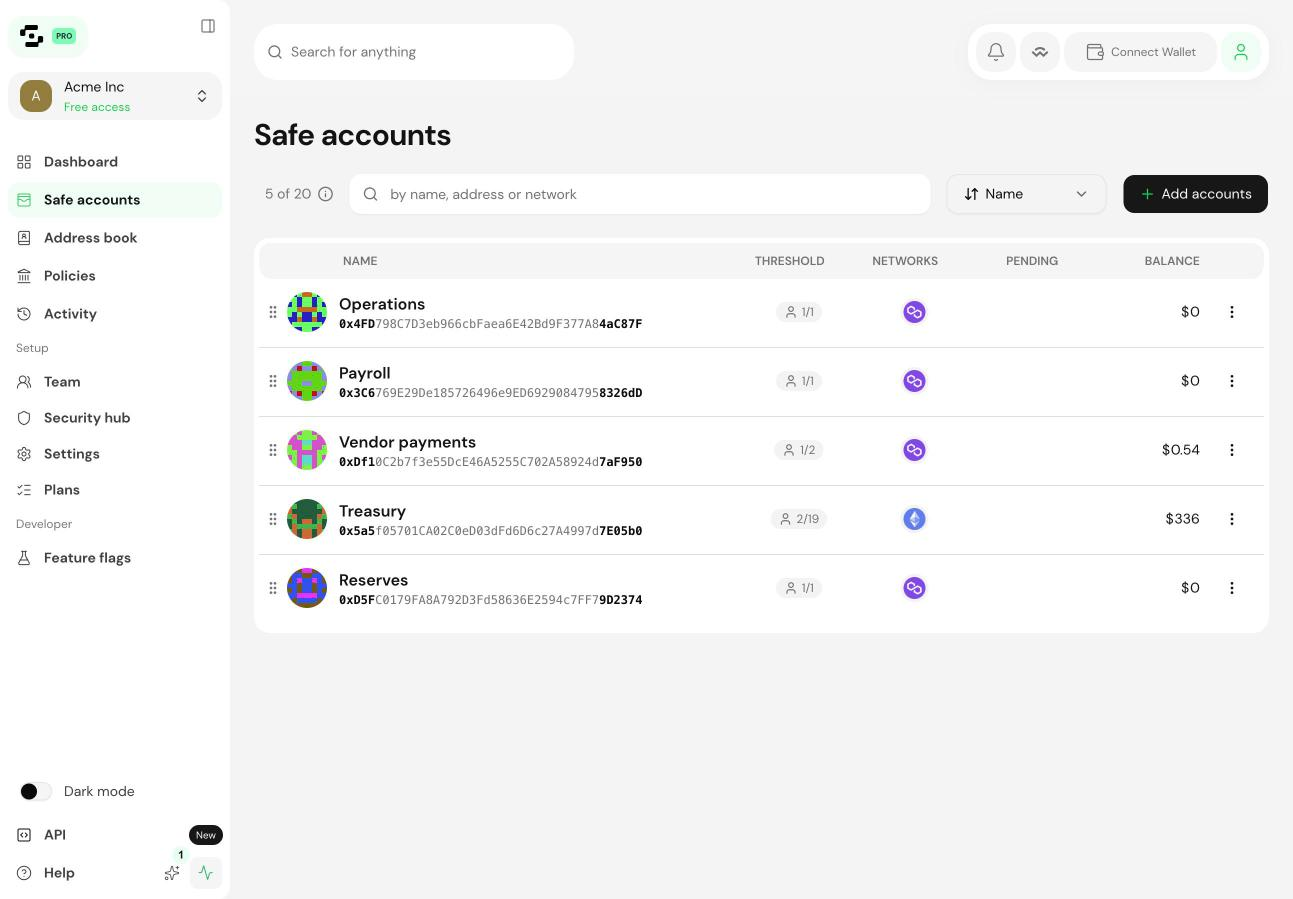
A Safe seat is a slot for one Safe Account in your Workspace. Seats count Safe Accounts, never people.
Seats per plan
Plan | Safe seats | Members |
|---|---|---|
Starter | 2 | Unlimited |
Business | 5, 10 or 20 | Unlimited |
Enterprise | 20+ | Unlimited |
What counts as a seat
One Safe Account uses one seat. A Safe Account deployed at the same address on several networks still counts as one.
Members don't use seats. Every paid plan includes unlimited members.
Signers are never counted or charged. A signer can sign from a Safe's standalone view without being a Workspace member.
Reaching your seat limit
You can always create a new Safe Account. When you reach your seat limit, Safe{Wallet} offers you two options: upgrade to a plan with more seats, or create the Safe Account outside the Workspace.
If you have more Safes than seats
This can happen after a downgrade, for example. The Safe Accounts above your seat count move to a free standalone state:
They leave the Workspace and its features, such as the Security Hub and the Activity log.
They keep working as standalone Safe Accounts, with the same signers and threshold, and their names, addresses and balances stay visible.
The rest of your Workspace keeps working normally.
To bring them back into the Workspace, upgrade to a plan with more seats or remove other Safe Accounts from the Workspace.
Going over your seat limit never creates a charge by itself. You only pay more if you confirm a fee shown to you.