Workspace roles and permissions
Last updated: October 6, 2026
Overview
Every Workspace member has one of two roles: Admin or Member. Roles control what someone can see and do in the Workspace.
Roles don't give anyone signing authority over a Safe Account. Signing is always controlled by the Safe Account's signers and threshold.
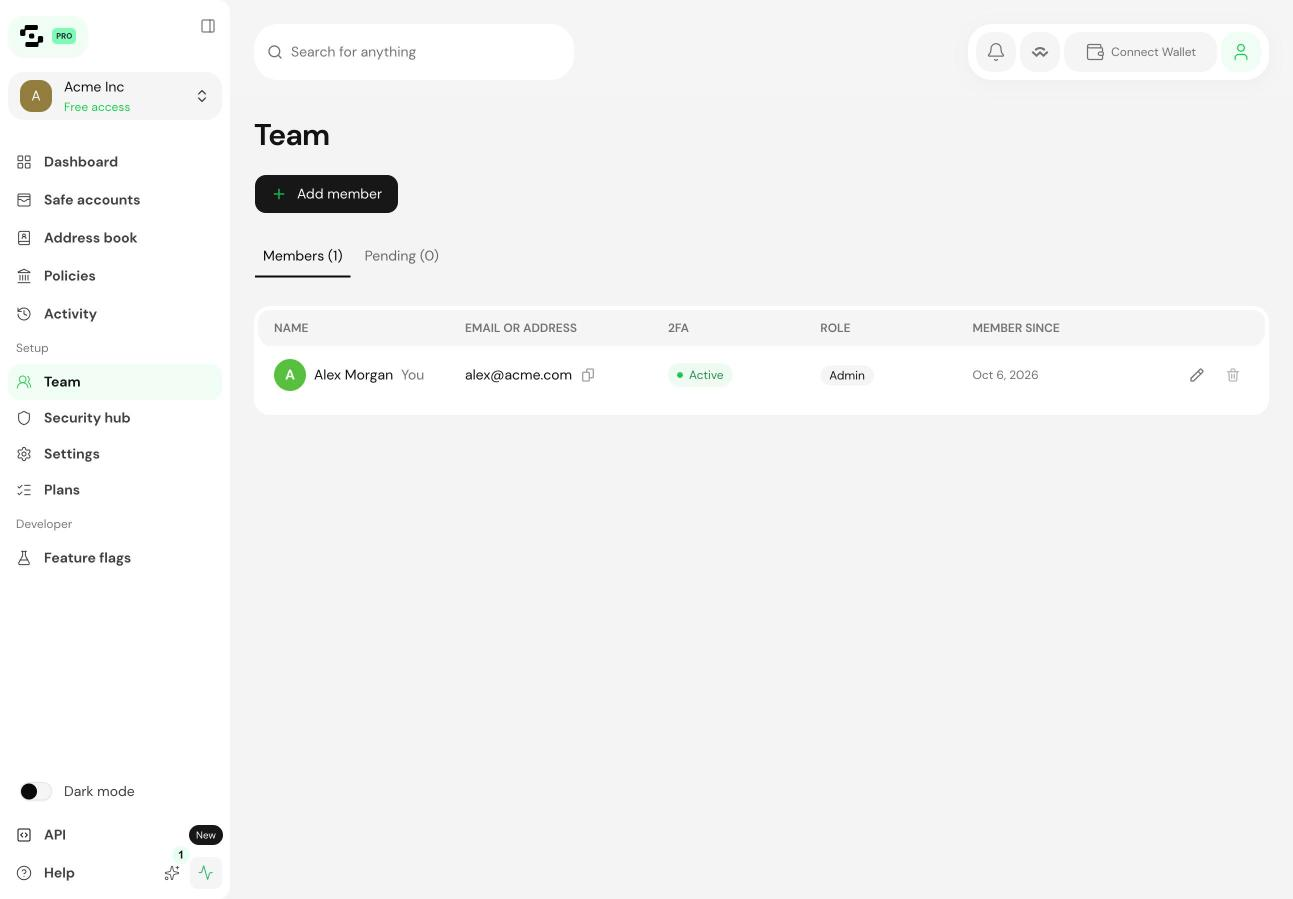
Admin
Admins manage the Workspace. They can:
Invite and remove members, and change their roles
Add and remove Safe Accounts
Add, edit and delete shared address book entries
Change Workspace settings, such as the name and logo
Manage the Workspace plan
Whoever creates the Workspace is an Admin. We recommend at least two Admins per Workspace, so you're not locked out if one loses access.
Member
Members take part in day-to-day work. They can:
View all Safe Accounts in the Workspace, with their balances and pending transactions
Create transactions for signers to approve
Use the shared address book
See other Workspace members
Members can't invite or remove people, change roles, add or remove Safe Accounts, or change Workspace settings.
Permissions
Action | Admin | Member |
|---|---|---|
Invite or remove members | ✅ | ❌ |
Change member roles | ✅ | ❌ |
Add or remove Safe Accounts | ✅ | ❌ |
Edit the shared address book | ✅ | ❌ |
Use the shared address book | ✅ | ✅ |
Create transactions | ✅ | ✅ |
Sign transactions | Signers only | Signers only |
View Safe Accounts and balances | ✅ | ✅ |
View members | ✅ | ✅ |
Change Workspace settings | ✅ | ❌ |
Signing is controlled by the Safe Account, not the Workspace. Only the Safe Account's signers can sign, whatever their Workspace role.
Proposers
A Proposer is a Safe Account permission, not a Workspace role. It lets someone create transactions on a specific Safe Account without being a signer. Adding new Proposers needs a Business or Enterprise plan.
Change a member's role
Open the Members tab.
Find the member and select the role dropdown next to their name.
Choose the new role and confirm.
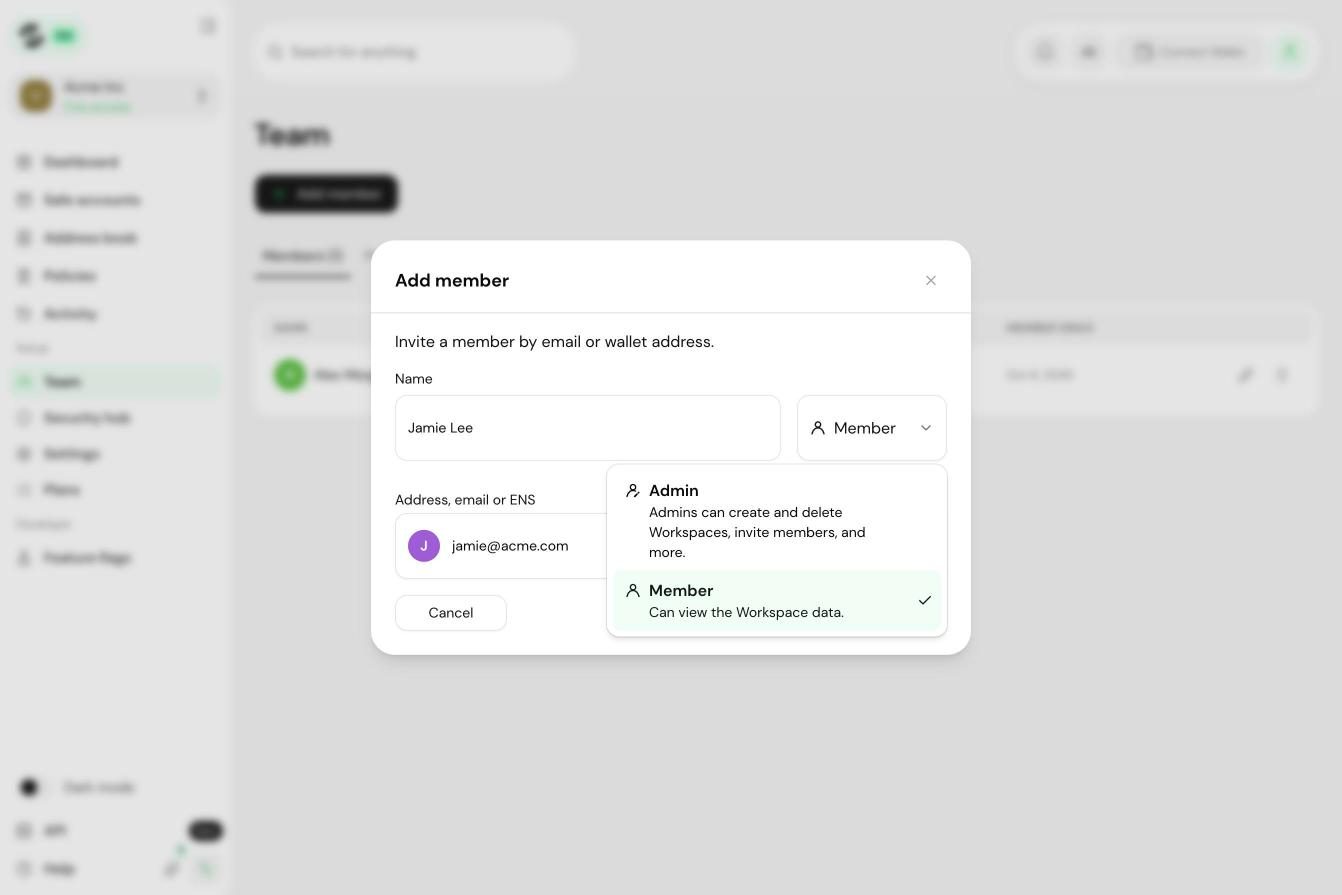
The change takes effect straight away, and the member is notified by email.
Suggested roles
CFO or finance lead: Admin if they manage the team, otherwise Member
Treasury operator: Member
Compliance or audit: Member
Engineering or DevOps managing automation: Member