What is a Workspace?
Last updated: October 6, 2026
Summary
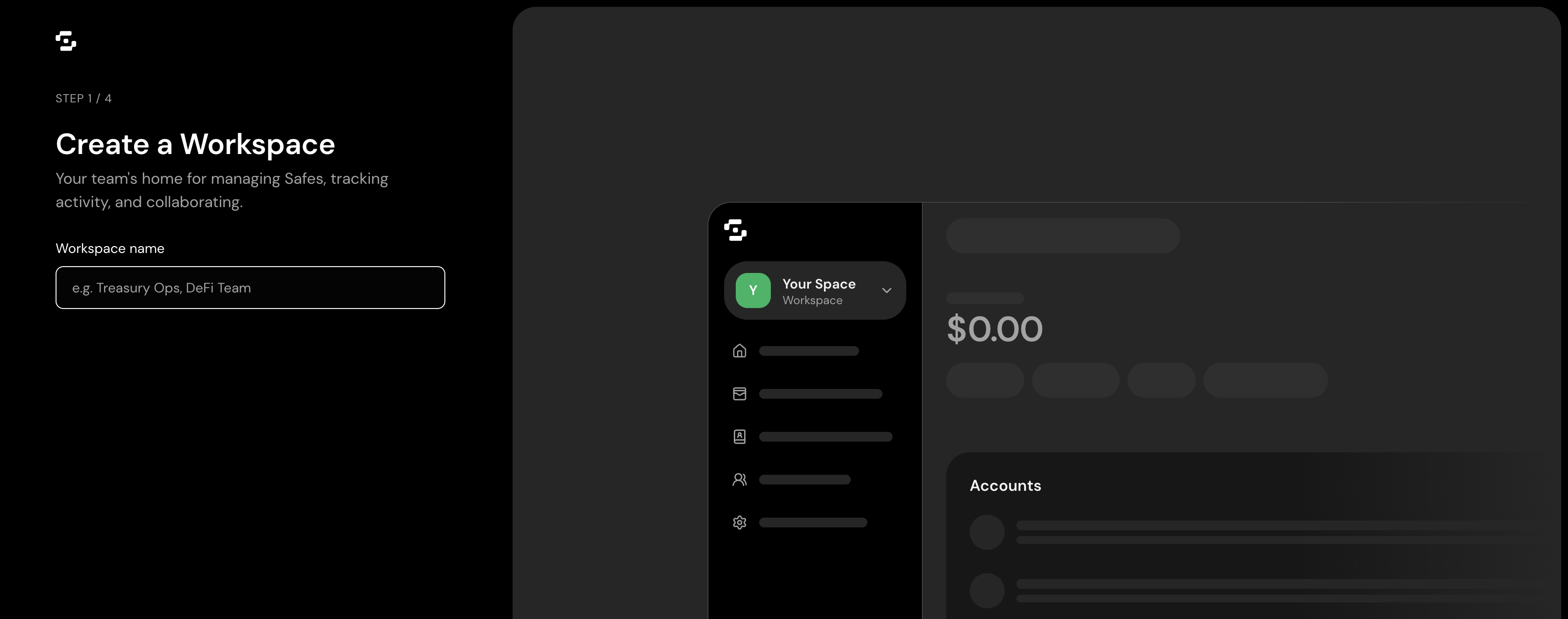
A Workspace is the organisational layer of Safe{Wallet}. It groups your Safe Accounts, your team members, your shared address book and your security view in one place. Workspaces are built for organisations that run several Safe Accounts across networks and need a structured way for teams, not just individual signers, to manage onchain operations.
If a Safe Account is the smart contract account that holds your assets, the Workspace is the environment your team works in around it.
A Workspace needs a Safe Pro plan. New Workspaces start with a 30-day free trial.
Why Workspaces exist
Most treasury and operations teams already work across more than one Safe Account. They manage several accounts across networks, coordinate signers across time zones, and need finance, compliance and operations staff who don't hold signing keys to take part. Workspaces solve three problems:
Cross-Safe operations. Teams often keep separate Safe Accounts for operating funds, payroll, vendor payments and reserves. A Workspace gives you one dashboard across all of them.
Non-signer participants. CFOs, controllers and compliance officers need visibility without holding signing keys. Members can join by email and never need a wallet.
Shared organisational context. Address books and team membership belong to the organisation, not to a single Safe Account. A Workspace makes this context shared.
What a Workspace includes
Dashboard across all Safe Accounts in the Workspace: balances, pending transactions and recent activity
Members and roles, with invitations by email
Login with email (one-time passcode or Google), alongside wallet login
Shared address book for the whole Workspace
Security Hub, a security view across your Safe Accounts
Activity log of Workspace and transaction events
Workspace 2FA
Sponsored gas, up to your plan's quota
Policies (spending limits and Proposers) on Business and Enterprise
How many Safe Accounts a Workspace can hold depends on your plan's seats.
Who needs a Workspace
A Workspace suits organisations that:
Run two or more Safe Accounts
Have team members who take part in treasury work but don't hold signing keys
Need one shared address book across the organisation
Want to give finance, operations or compliance staff access without signing authority
If you manage a single Safe Account on your own, you don't need a Workspace. A standalone Safe Account stays free on Core.
What you don't give up
A Workspace doesn't change the security model of your Safe Accounts. Signers, thresholds and onchain settings stay the same. A Workspace doesn't hold assets or private keys and doesn't add new signing authority. Every transaction is still approved by your Safe Account's signers.
If a Workspace is locked or a subscription ends, every Safe Account stays fully usable on its own.