Managing Safes within a Workspace
Last updated: October 6, 2026
Adding a Safe Account to a Workspace shows it on the Workspace dashboard. It doesn't transfer ownership, change signers, change the threshold or move assets. The Safe Account itself is unchanged. Members can then view and coordinate around it, according to their roles.
A Safe Account can be in more than one Workspace. This is common when two organisations run a Safe Account together.
Seats
Each Safe Account in a Workspace uses one seat on your plan. A Safe Account at the same address on several networks counts as one. Starter includes 2 seats, Business 5, 10 or 20, and Enterprise 20 or more.
When you reach your seat limit, Safe{Wallet} offers to upgrade your plan. See 📄 undefined.
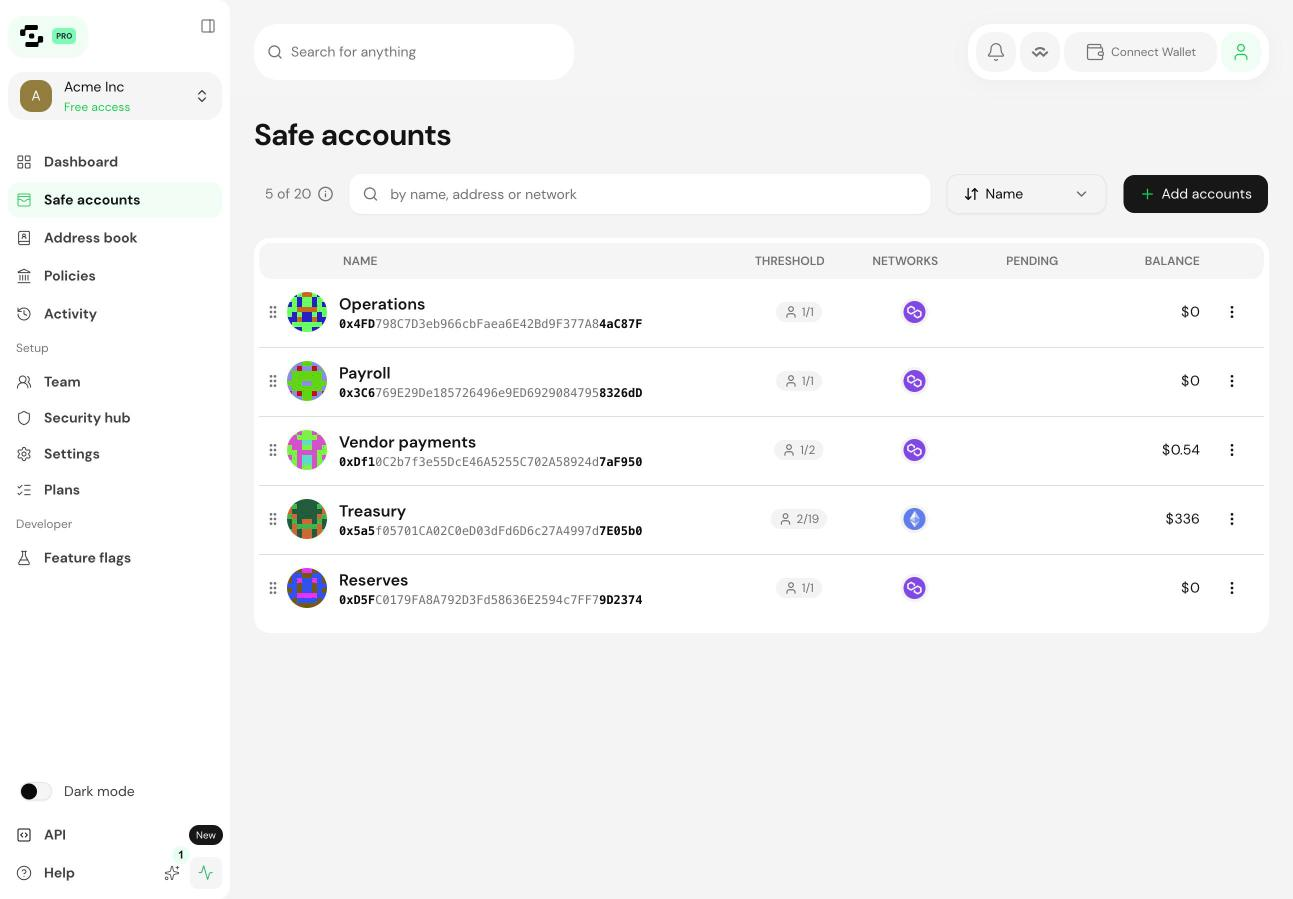
Add a Safe Account
Open the Safes tab in the sidebar.
Select Link a Safe.
Choose the network and paste the Safe Account address.
Confirm. The Safe Account appears on the dashboard within seconds.
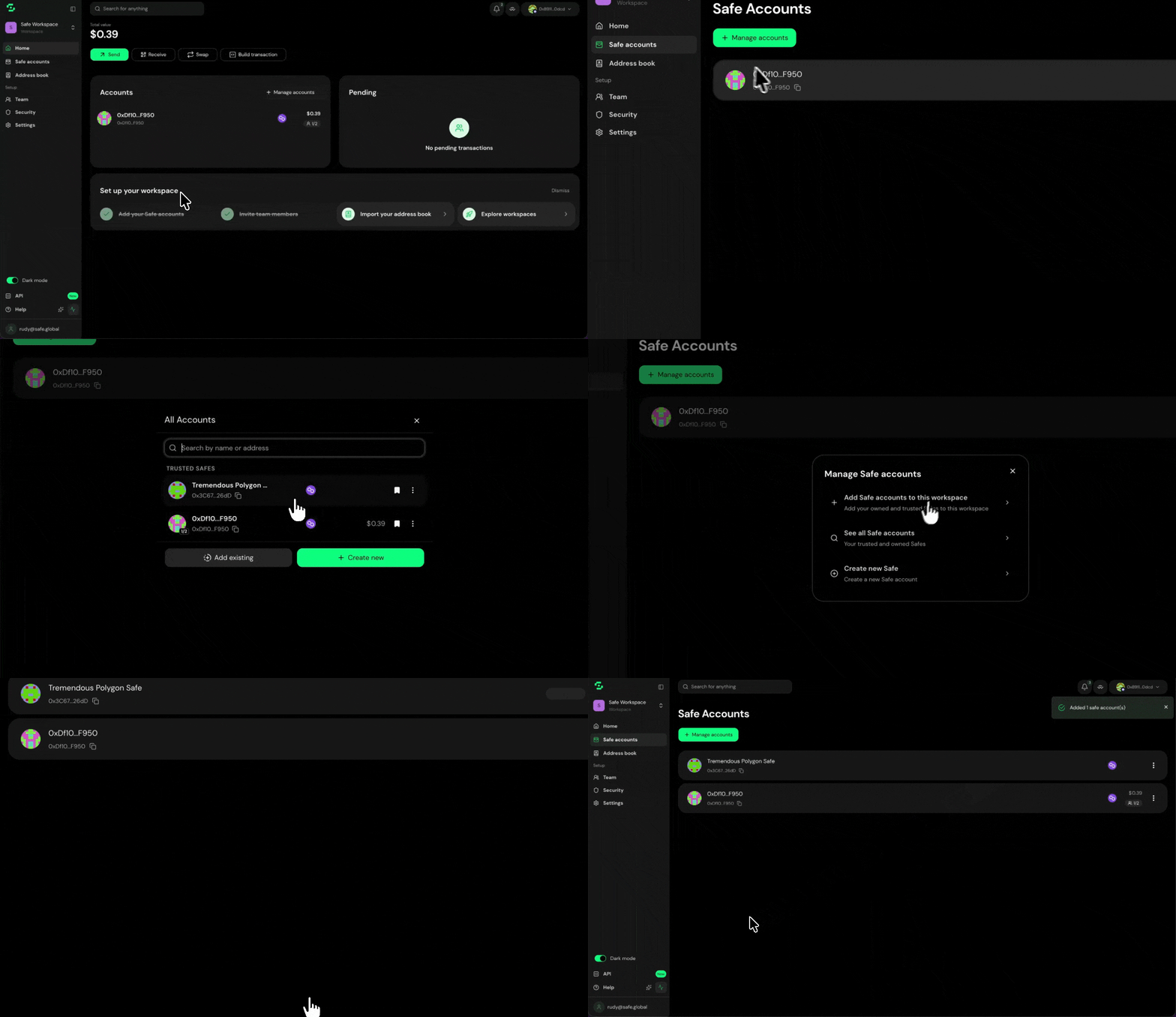
You don't need to be a signer to add a Safe Account. An Admin can add any Safe Account by address, so non-signers such as the finance team can see it in their Workspace.
Remove a Safe Account
Open the Safes tab.
Select the Safe Account and choose Unlink.
Confirm.
This removes the Safe Account from the Workspace dashboard and frees up a seat. It doesn't affect the Safe Account, its signers, its balances or its pending transactions. An Admin can add it back at any time.
Create a new Safe Account in a Workspace
Open the Safes tab.
Select Create new Safe.
Follow the usual steps: choose a network, set signers and a threshold, and deploy.
The new Safe Account is added to the Workspace automatically once it's deployed. You can always create a Safe Account, even at your seat limit. If you're at the limit, Safe{Wallet} lets you upgrade or create the Safe Account outside the Workspace.
Organising several Safe Accounts
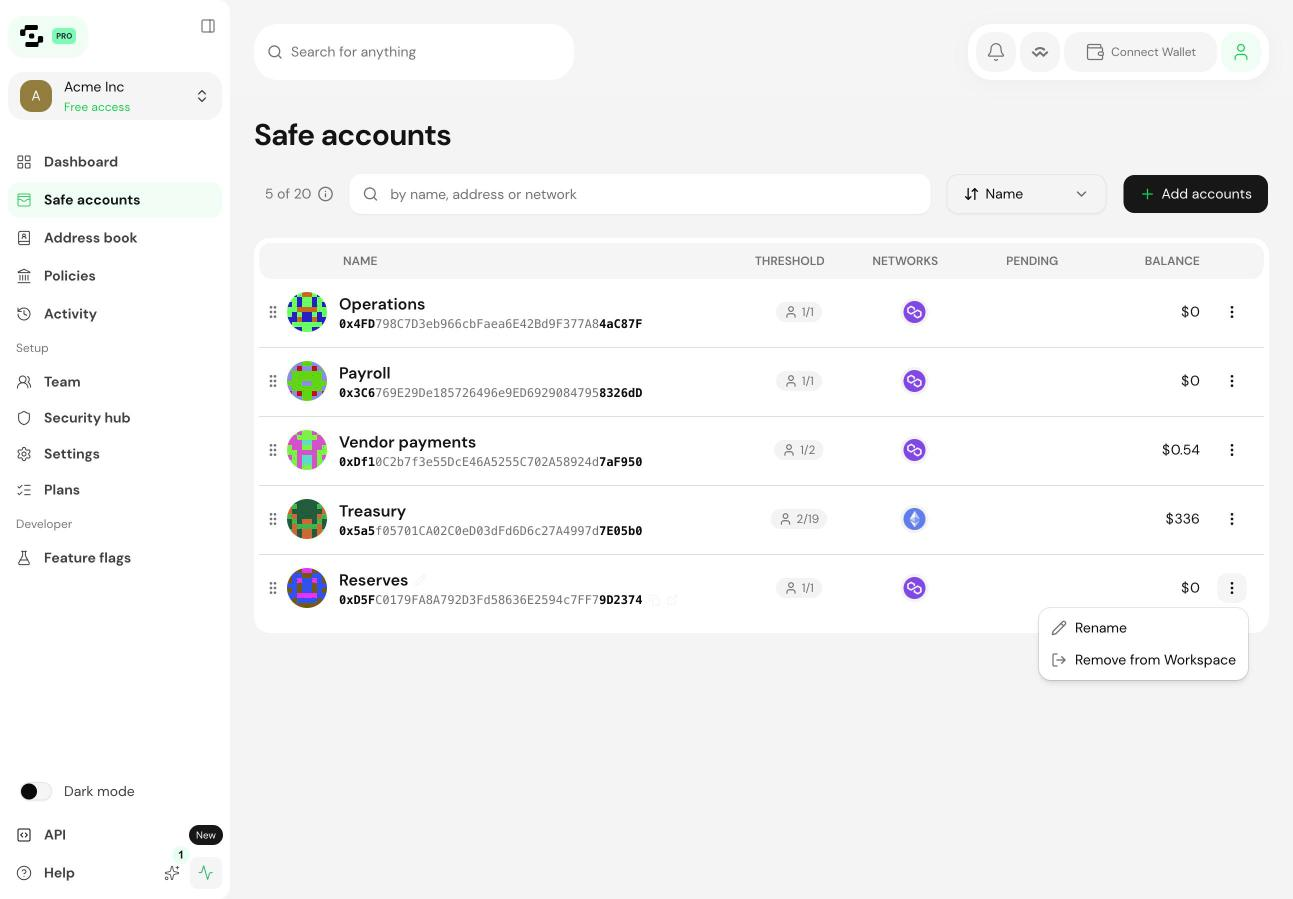
The dashboard brings together balances, pending transactions and recent activity across every Safe Account in the Workspace. Common setups:
One Safe Account per function, such as operating funds, payroll, vendor payments and reserves
One Safe Account per network for cross-chain treasury
One Safe Account per business unit or subsidiary
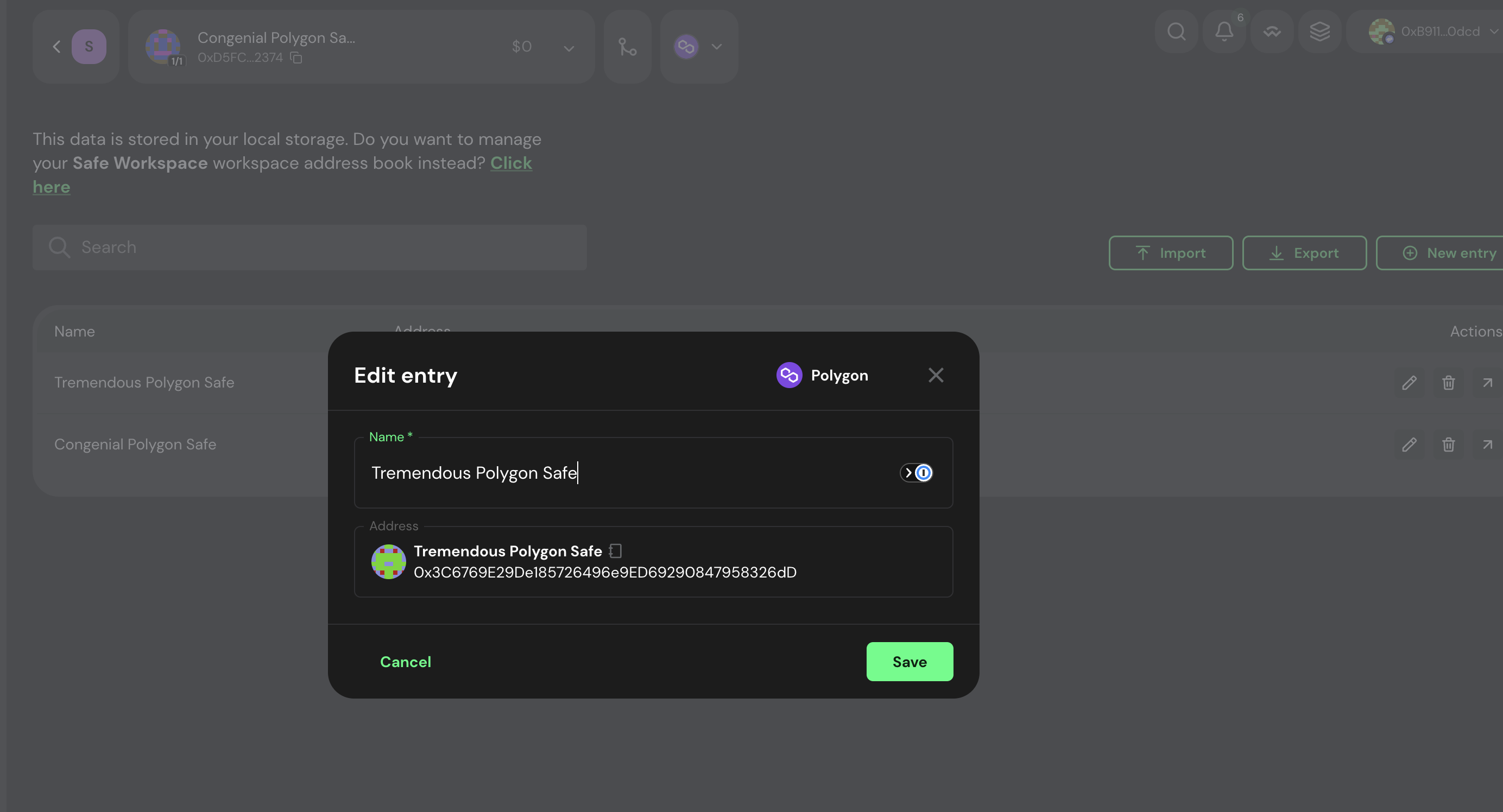
Use the shared address book to give Safe Accounts internal names that all members can see.
When a member leaves the Workspace
A removed member loses Workspace access to every Safe Account straight away. If they're also a signer on a Safe Account, they can still sign. Removing a signer is a separate change made on the Safe Account itself.
This is by design. The Workspace controls visibility and coordination, while the Safe Account controls signing. Update both together.